
User guide
Introduction
A user guide for people who don't write code. It covers what you can do with genko.me and which page to read first.
genko.me is a place to keep your text and images. What you save here shows up on your website as is. You can rewrite it yourself in the browser, without touching the site's files.
This guide is for people who write posts and announcements. You don't need any programming knowledge. It explains things using only the buttons and words you see on screen.
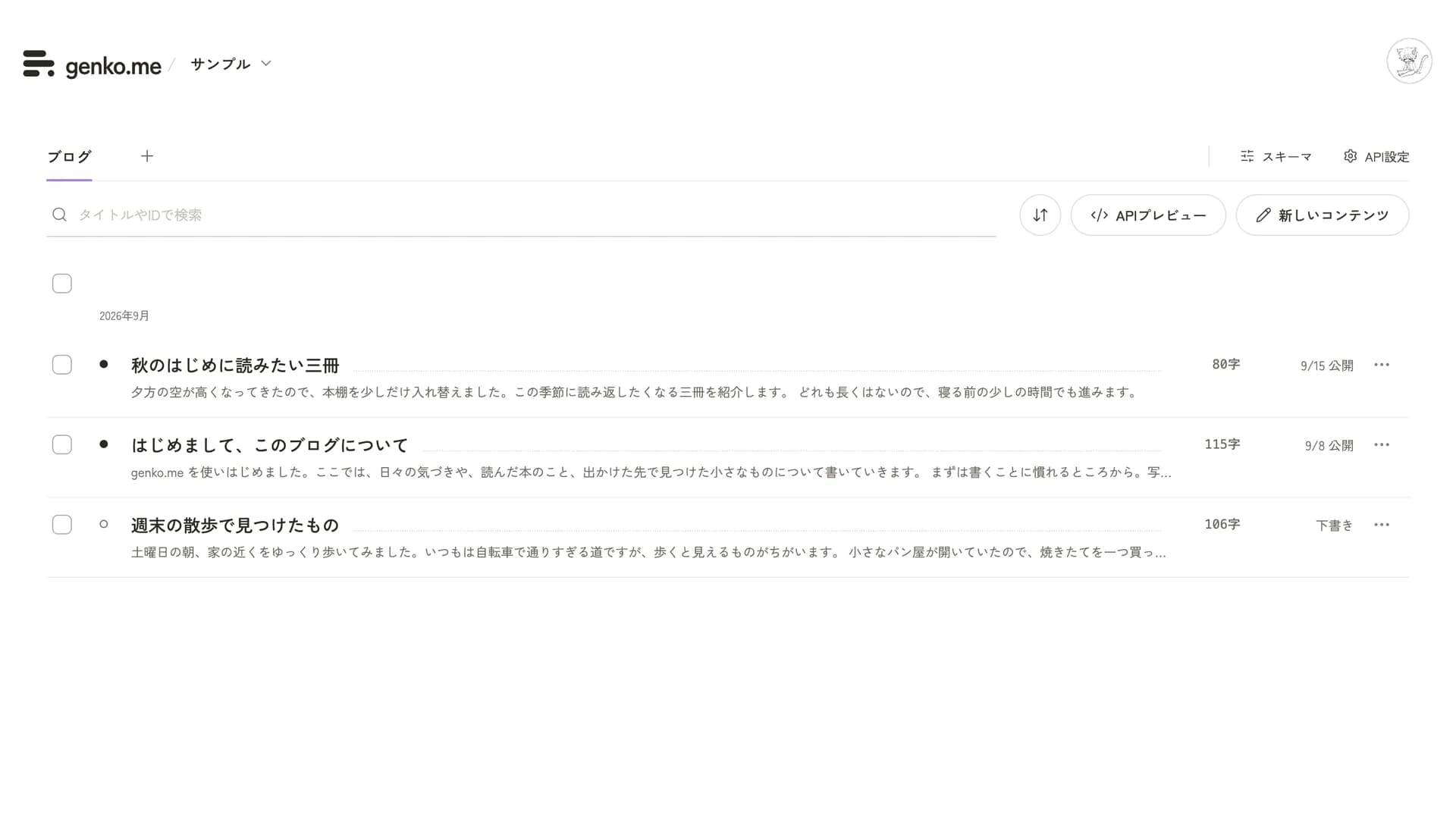
Three things to remember
- Workspace: your place to work. Your text and images are all here.
- Content: one saved piece of writing, such as one post or one announcement.
- Publish: content is either a "Draft" or "Published". Only content you set to Published and save shows up on the site.
Reading order
- Sign in and take your first steps
- Write and publish an entry
- Add images
- Choose when to publish
- Invite people to work together
- When you need help
After the first two pages, you can publish an entry. Open the rest when you need them.
If you build the site
Implementation on the site side, API keys, and how to use the SDK are in the developer pages that start with the Quickstart.
Last updated: October 6, 2026